
Dox Studio hosting · all plans
You can create the email accounts of your domain yourself in cPanel, in a minute. If you’d rather we do it, open a ticket with the address you want.
Create an email account
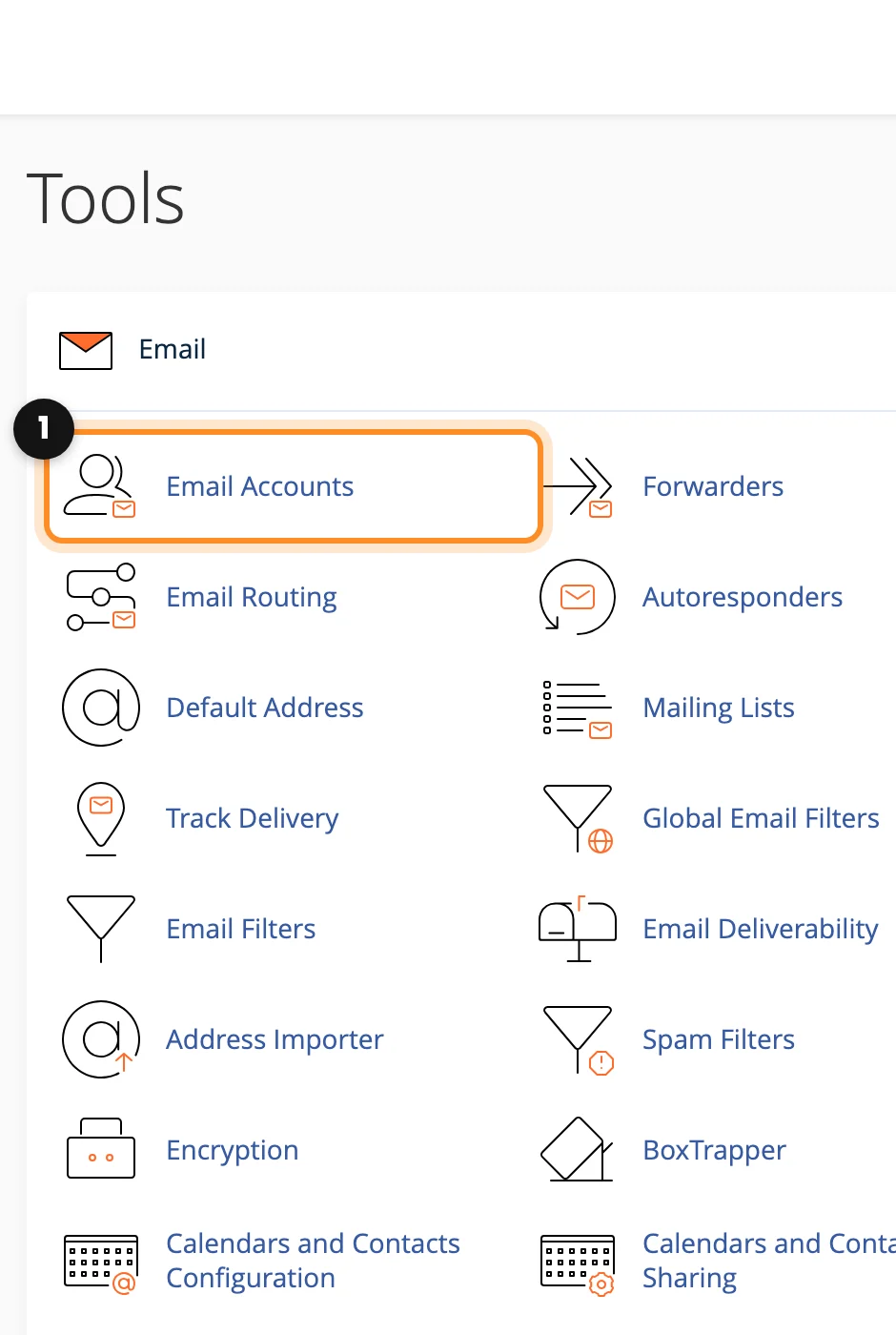
- Open cPanel from your client area and click Email Accounts (1), in the Email section.
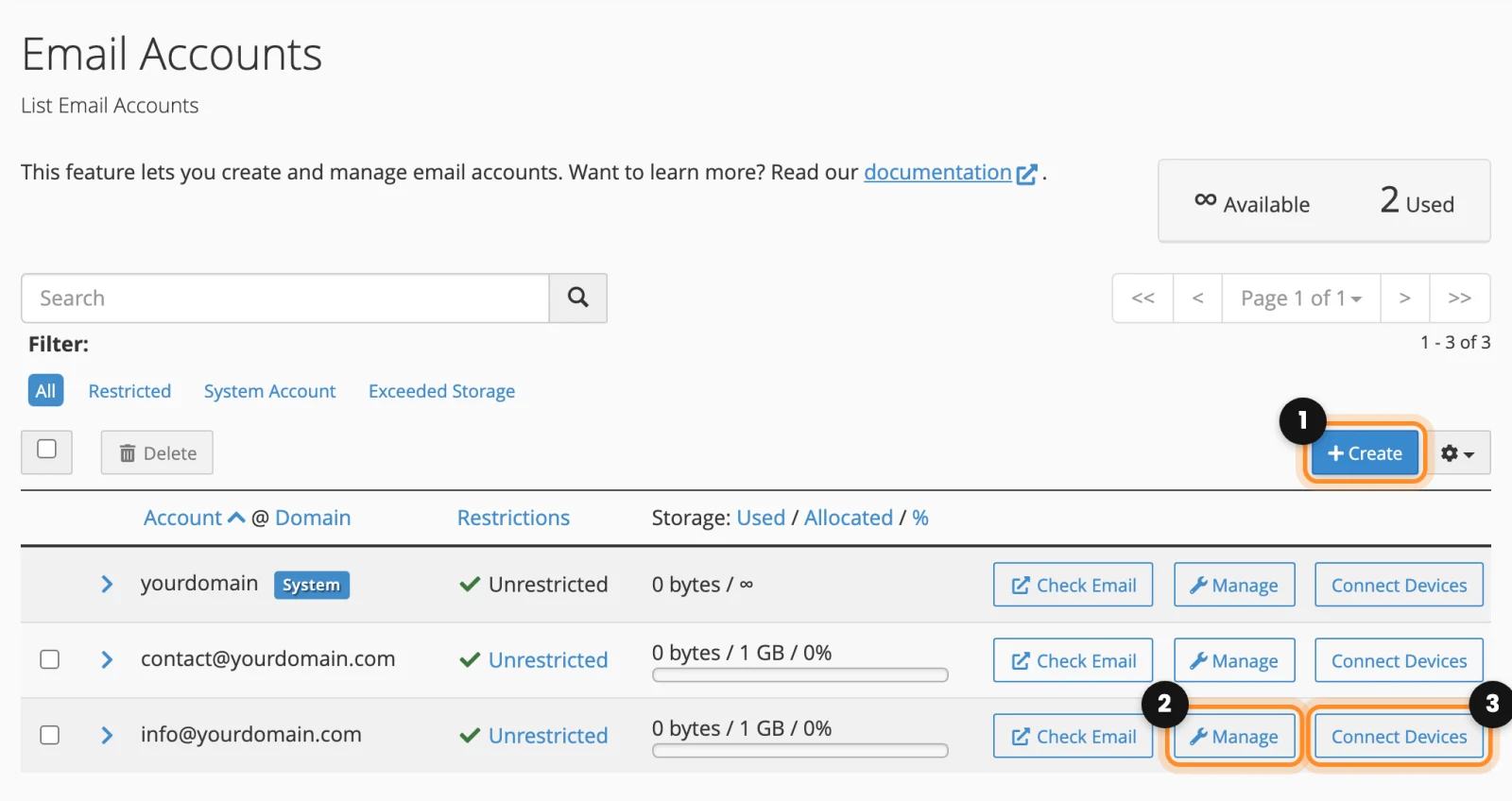
- Click + Create (1).
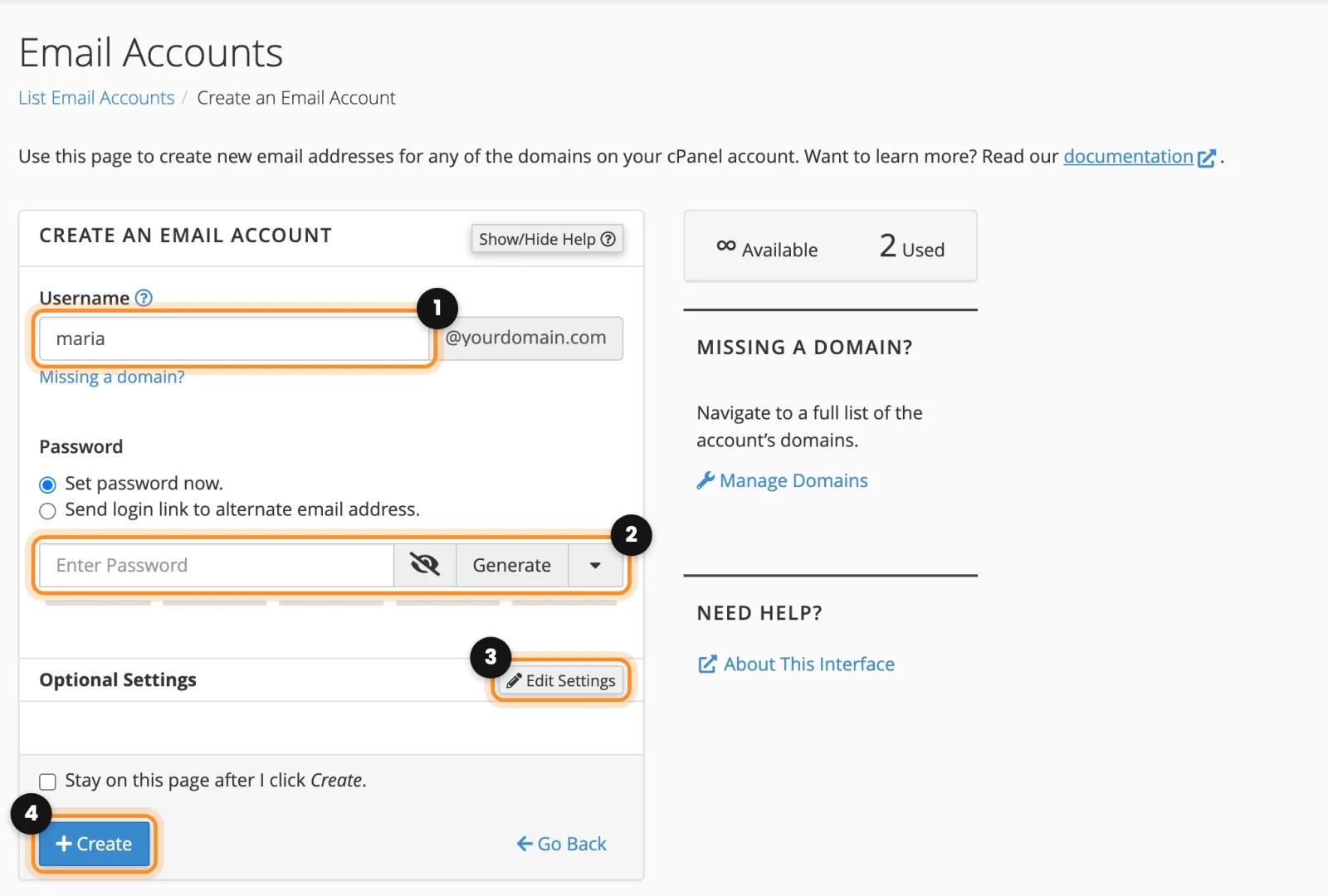
- In Username (1), write the part before the @, for example
maria. The domain is already next to it. - In Password (2), write a password or click Generate for a strong one. Save it somewhere safe: you’ll need it on each device.
- The mailbox starts with 1 GB of storage. To change it, click Edit Settings (3).
- Click + Create (4). The account works right away.
Shortcut: the page of your hosting in the client area has a Quick Create Email Account box that does the same without opening cPanel. How many accounts your plan has is on the plans page.
Change the password
- In Email Accounts, click Manage (1) next to the account.

- In Security, write the New Password (1) or click Generate.
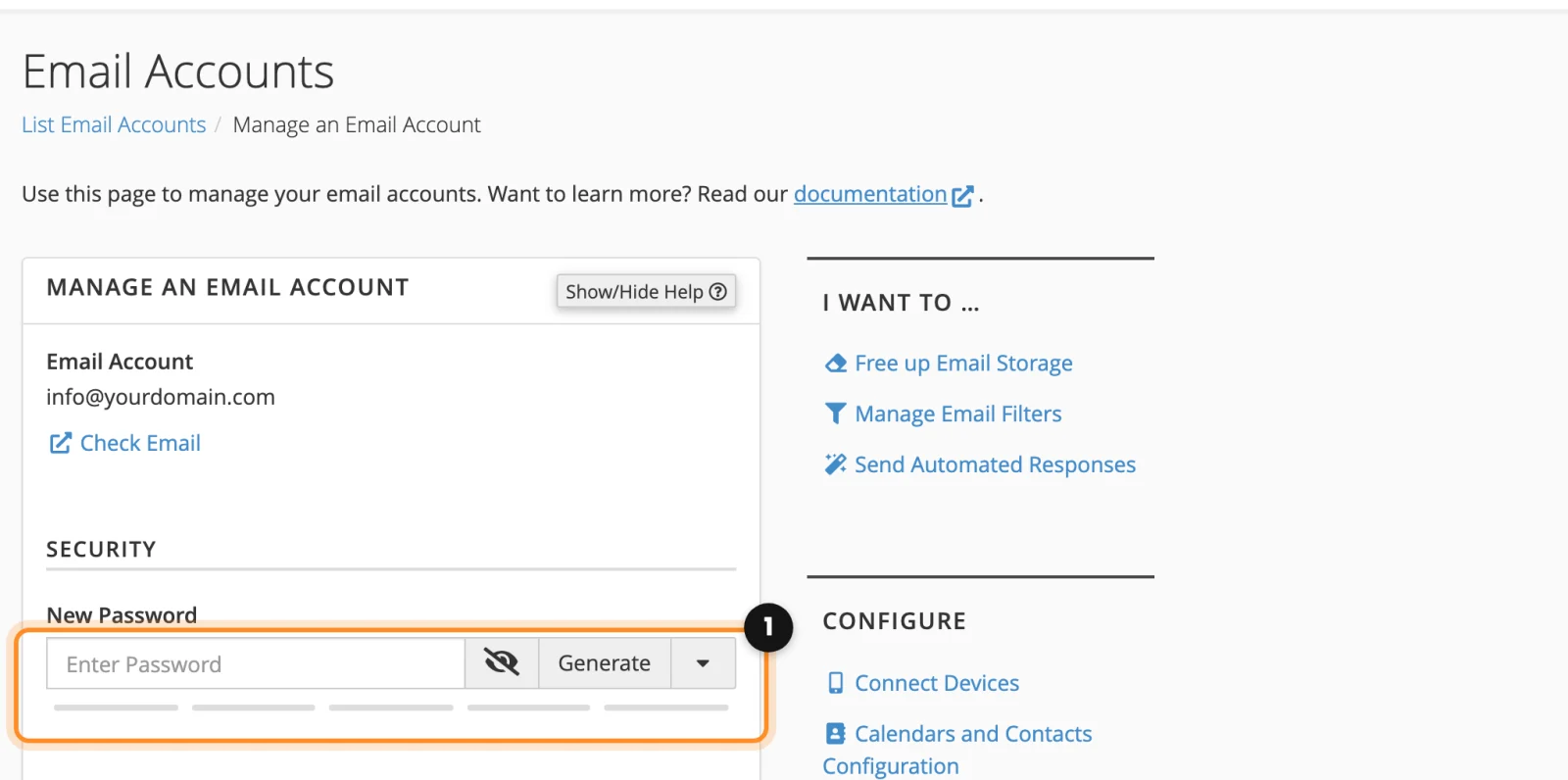
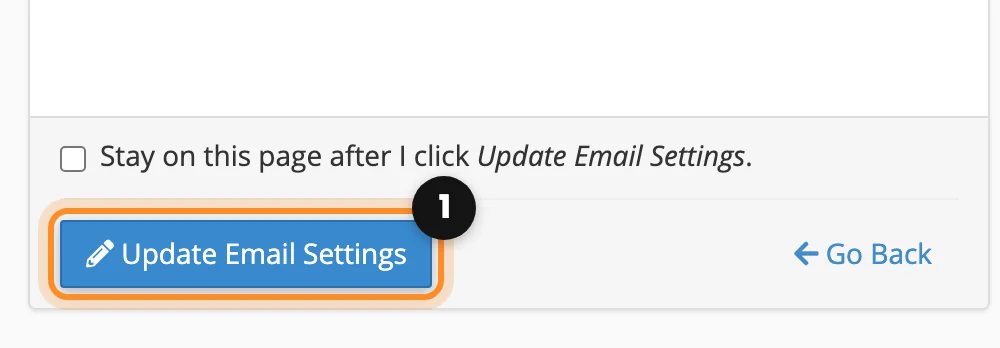
- Scroll to the bottom of the page and click Update Email Settings (1).
After a new password, put it on every device that uses that mailbox: phone, computer and Gmail if you use it (in Gmail it goes in two places, to receive and in Send mail as). A device with the old password keeps failing and can get blocked for a while.
Next: Set up your email on your phone, Outlook or Apple Mail