
How can we help
with Sales Booster?
Recent sales, low stock, the purchase popup and the free shipping bar for WooCommerce, step by step.
Browse by topic
Every Sales Booster guide, grouped by what you want to do.
Quick answers
What shop owners ask most about Sales Booster, answered in two lines.
The product page
Recent sales and stockAre the numbers real?
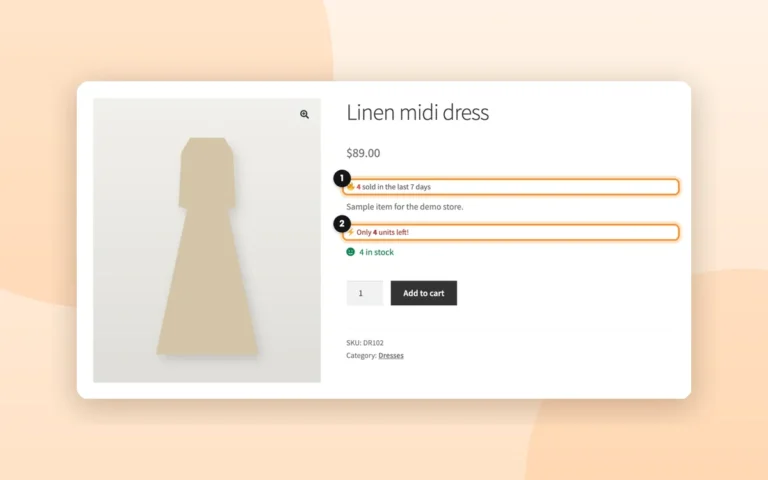
Recent sales is real in Real mode, and Low stock always is. People viewing is not measured from real visits: turn it off to show only real data.
The product pageWhy doesn’t the sales text show on some products?
In Real mode it only shows when the product sold at least one unit in the period. Try a longer period, like 7 days.
The product pageThe purchase popup
Real orders onlyWhat does the popup show in Real mode?
The product, the city and how long ago, from completed or processing orders of the last 30 days. Never names, emails or addresses.
The purchase popupAnd if I had no orders in 30 days?
Since 1.7.4 the popup stays hidden, and comes back on its own with the next real order. It never shows simulated purchases in Real mode.
The purchase popupShipping bar and placement
Where each thing goesHow do I make the bar match the checkout?
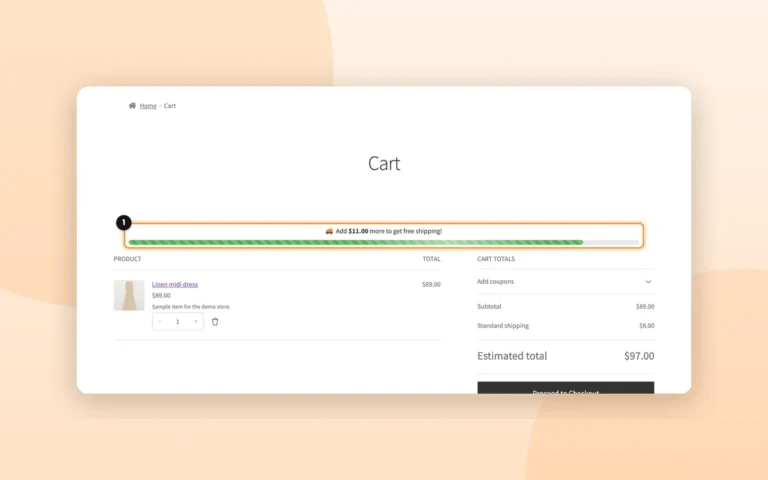
Choose the WooCommerce Free shipping method as the amount source: the bar reads the minimum order of the customer’s zone.
The free shipping barAn element shows up twice?
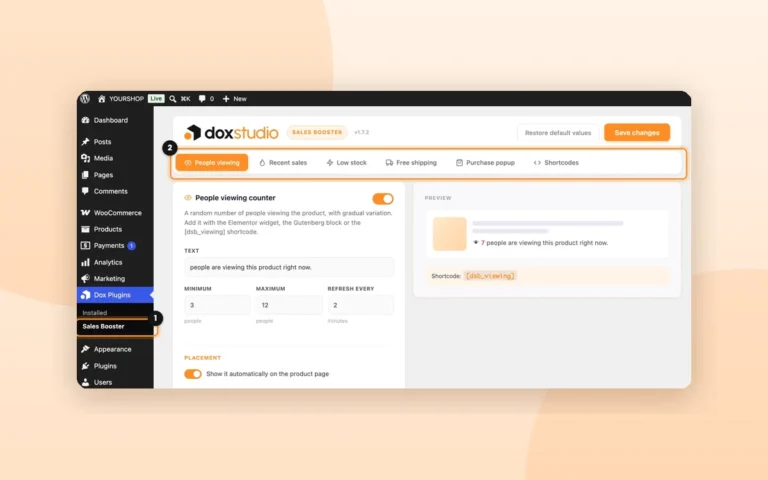
It is placed automatically and also by hand. Turn off Show it automatically on the product page in its tab.
Place the elements yourselfDidn’t find it?
Write to support@doxstudio.com with your site and the version you use, and we’ll answer by email.
So we can answer on the first email
- Your site’s addressThe one where Sales Booster is installed.
- The version you useIt’s next to Dox Sales Booster on the Plugins page.
- What you were trying to doAnd what you saw instead. A screenshot helps.